App roundupauditory training apps for adults

Best Auditory Training Apps for Adults: A Fair Roundup

A handful of apps can help adults practice listening. They differ in price, approach, and who they are built for. Here is a plain comparison, trade-offs included, so you can pick the one that fits.

SoundSteps home

How we compared them

We looked at price, what the app asks of you before you can start, which devices it works with, and how much evidence sits behind it. None of these apps is a fix on its own. They are practice tools, and they help most when you use them steadily.

This roundup includes SoundSteps, so read our notes on it the same way you read the rest. We tried to be plain about where each one falls short.

LACE AI Pro

LACE has been around for over 20 years and has the deepest published evidence of any option here. The AI Pro version adapts difficulty to how you are doing, and it added a way to practice with recorded family voices.

The trade-offs are price and access. It costs about $499 as a one-time purchase, and you register through a hearing care provider rather than downloading it on your own.

Price: about $499, one time

Works with: any device, but registration runs through a provider

Trade-off: cost and the provider step before you can begin

Hearoes

Hearoes is a gamified app with more than 90 activities covering sound awareness, phonetics, and listening in noise. It works across device brands and is free to start, with in-app purchases for more content.

Some users report bugs with sound playback. But for a free, self-serve entry point with a broad exercise library, it holds up.

Price: free, with in-app purchases

Works with: any device

Trade-off: some reported playback bugs

eargym

eargym is a UK-based app that frames practice as games. It includes hearing checks, training exercises, and progress tracking, on a subscription of about £3.99 a month.

The free tier is limited, and some users feel the paywall arrives quickly. The community is smaller than the bigger apps.

Price: about £3.99 a month after a trial

Works with: any device

Trade-off: limited free tier

Angel Sound and Cochlear CoPilot

Angel Sound is a free, research-grade training tool. The exercises are solid, but the interface feels dated and reads more like a research tool than a consumer app.

Cochlear CoPilot is a free, well-made app with listening exercises and real-world tips. The catch is that it only works for Cochlear brand device users. If you wear another brand, it is not available to you.

Angel Sound: free, broad reach, dated interface

CoPilot: free, polished, Cochlear devices only

SoundSteps

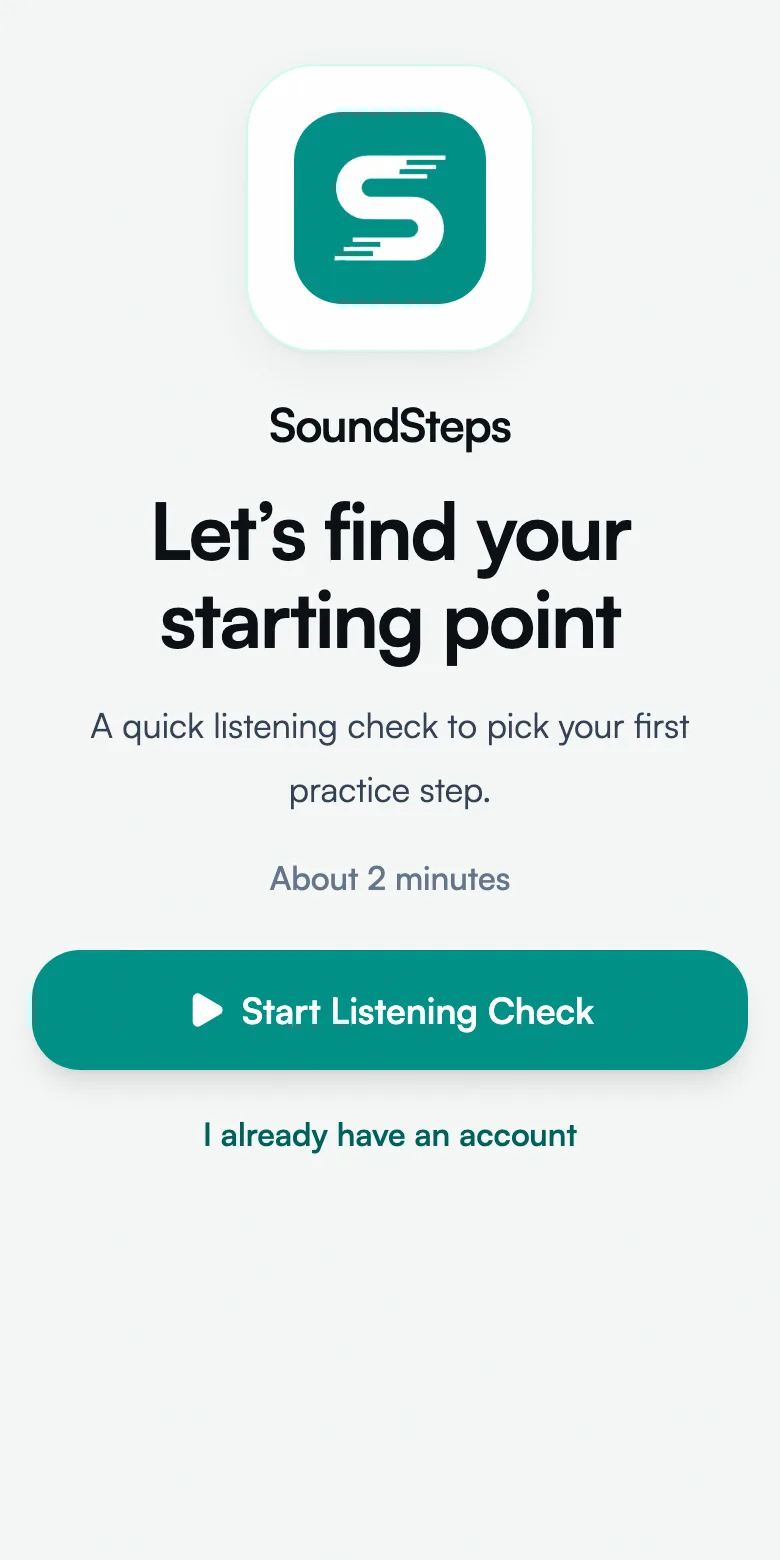
SoundSteps focuses on guided daily practice with a calmer progression. It starts with a short listening check, uses one steady voice first, and lets you add background noise a little at a time. It works across device brands and comes in a growing set of languages.

It is free to start and needs no provider registration. The trade-off: it is newer, without LACE's multi-decade evidence base.

Price: free to start

Works with: any device, and a growing set of languages

Trade-off: newer, without a long research record

How to choose

Use a Cochlear device and want something free and polished? Start with CoPilot. Want the most studied option and your provider offers it? LACE is the established pick.

Want something that works on any device, starts calm, and lets you build up noise on your own terms? Try SoundSteps or Hearoes. Give whatever you pick a couple of weeks of steady use before you judge it.

FAQ

What is the best free auditory training app for adults?

Hearoes and SoundSteps both start free and work across device brands. Cochlear CoPilot is free and well-made but only works with Cochlear devices.

Do I need to pay for an auditory training app to see results?

No. Several free apps offer real practice. What matters most is using one steadily, not how much it costs.

Do these apps work with any hearing device?

Some do and some do not. Hearoes, eargym, and SoundSteps work across brands. CoPilot is limited to Cochlear devices.

How long before I know if an app is helping?

Give any app two to four weeks of consistent daily use. Benefits build up over time and are rarely obvious after one or two sessions.

Can I use more than one app?

Yes. Some people pair a device-specific app for their brand with an independent one for broader listening practice.

Related reading

SoundSteps

Try a calm starting point

Take the free SoundSteps listening check and see where your practice could begin. No registration needed.

SoundSteps is designed for hearing training and practice. It is not intended to diagnose, treat, cure, or prevent any medical condition. Consult a healthcare professional for medical advice.